

Self-Serve GRC Tools with Transparent Pricing for Small Businesses
Small businesses need compliance tools that do not require a sales call or a hidden enterprise price tag. KeelGRC provides a self-serve governance, risk, and compliance platform with public pricing and a free tier. This guide covers how to evaluate framework coverage, risk management, vendor management, evidence collection, policy templates, and access reviews in a modern GRC stack.
Framework Coverage
Framework coverage is the breadth of compliance standards a GRC tool supports out of the box. For small businesses, the ability to map one set of controls to multiple frameworks is critical to avoid redundant work. KeelGRC uses a crosswalk-native architecture where a single control satisfies clauses across every applied framework. This means you collect evidence once and it counts toward SOC 2, ISO 27001, HIPAA, and other standards simultaneously.
Why Crosswalks Matter for Small Teams
Traditional GRC tools often treat each framework as a separate checklist. This forces small teams to duplicate effort and maintain multiple evidence sets. A crosswalk-native approach inverts this model. The control is the unit of work, and frameworks are simply views over those controls. This architecture reduces the total volume of work required to achieve multi-framework compliance.
Supported Standards
KeelGRC supports a wide range of standards including SOC 2, ISO 27001, PCI DSS, HIPAA, SOX 404, NIST CSF, and GDPR. The platform also includes AI governance standards such as ISO 42001 and the NIST AI Risk Management Framework. By covering these standards in one library, KeelGRC allows small businesses to scale their compliance program without switching tools.
Risk Management
Risk management is the process of identifying, assessing, and treating threats to an organization's assets and operations. A robust GRC tool must include a risk register that links risks to specific controls. KeelGRC provides a risk register with scoring, treatments, and owners, ensuring that every identified risk has a clear path to remediation.
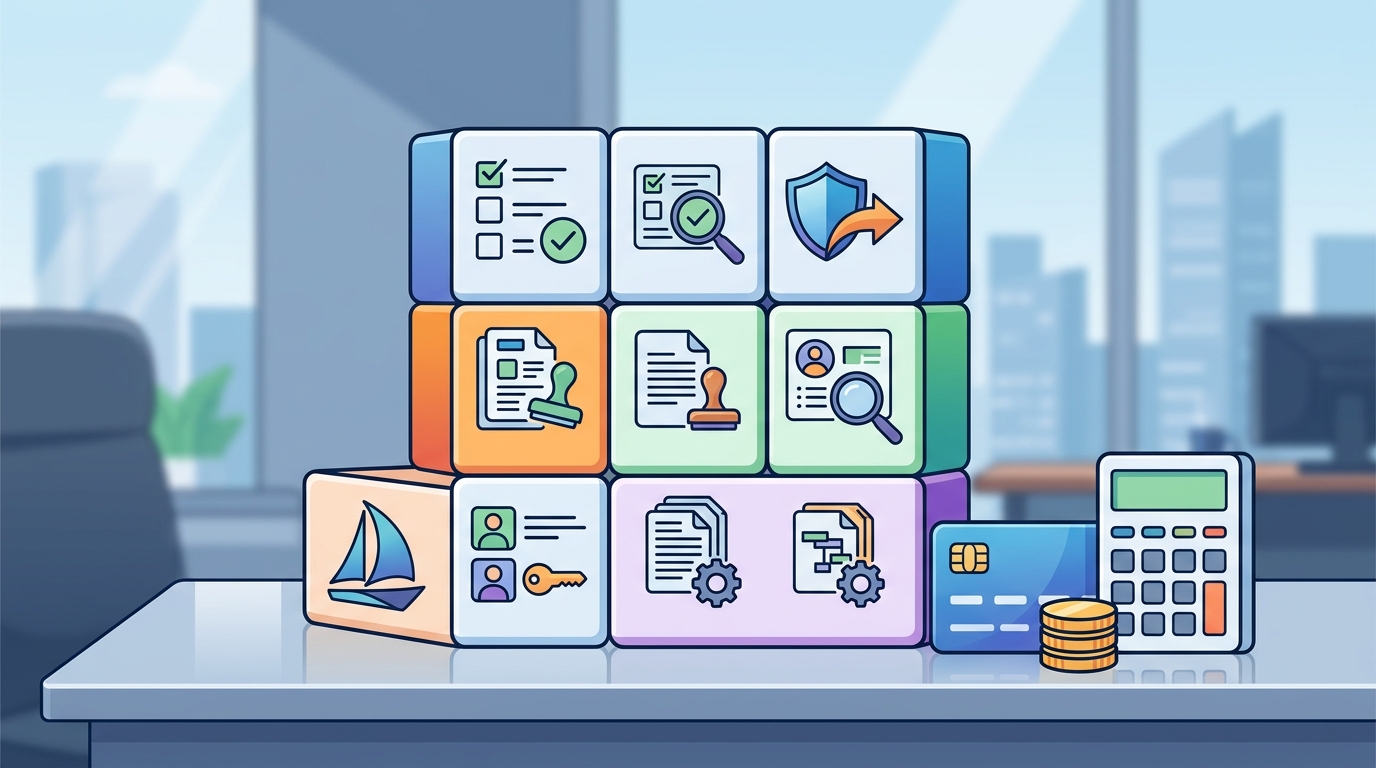
The Risk Register
The risk register in KeelGRC allows teams to log risks, assign owners, and track treatment plans. Each risk is linked to the controls that mitigate it. This linkage ensures that when a control is updated or evidence is collected, the associated risk status is automatically reflected. This automation saves time and reduces the chance of human error in risk reporting.
Scoring and Treatment
Effective risk management requires consistent scoring. KeelGRC supports risk scoring to prioritize which risks need immediate attention. Teams can define treatment plans, such as mitigating, accepting, or transferring risk. The platform tracks the status of these treatments, providing a clear audit trail for auditors and stakeholders.
Vendor Management
Vendor management is the practice of assessing and monitoring the security and compliance posture of third-party service providers. Small businesses often rely on numerous vendors, making it difficult to track their compliance status manually. KeelGRC includes vendor risk management features that allow teams to track third parties by criticality and review cadence.
Tracking Third-Party Risk
KeelGRC allows you to inventory your vendors and assign them a criticality level. This helps prioritize which vendors require more frequent reviews. The platform supports the collection of vendor security questionnaires and the tracking of their responses. By centralizing vendor data, small businesses can demonstrate due diligence to their own customers and auditors.
Review Cadences
Different vendors require different levels of scrutiny. KeelGRC enables teams to set review cadences based on vendor criticality. High-criticality vendors may require annual reviews, while lower-criticality vendors may be reviewed less frequently. This tiered approach ensures that compliance efforts are focused where they matter most.
Evidence Collection
Evidence collection is the process of gathering artifacts that prove controls are operating effectively. In a GRC context, evidence can include screenshots, logs, policies, and other documents. KeelGRC simplifies evidence collection by allowing teams to attach evidence once and have it count toward multiple frameworks. This eliminates the need to duplicate evidence for each standard.
Centralized Evidence Storage
KeelGRC provides a centralized repository for compliance evidence. Teams can upload files, link them to specific controls, and set expiration dates. The platform tracks the status of evidence, alerting teams when artifacts are due for renewal. This ensures that the compliance program remains current and audit-ready at all times.
Trust Center Integration
Collected evidence can be published to a public trust center. KeelGRC allows teams to create a branded trust center that showcases their compliance posture to customers and partners. This transparency builds trust and can be a competitive advantage in sales conversations. The trust center is a direct projection of the underlying control and evidence graph.
Policy Templates
Policy templates are pre-written documents that outline an organization's rules and procedures for specific areas of compliance. Writing policies from scratch is time-consuming and requires legal expertise. KeelGRC provides a library of framework-mapped policy templates that teams can customize and approve. This accelerates the policy creation process and ensures alignment with industry standards.
Framework-Mapped Templates
KeelGRC offers over 75 policy templates mapped to various frameworks. These templates cover common areas such as access control, incident response, and data protection. Teams can fill in the templates with their specific details, approve them, and export them as branded PDFs. This ensures that policies are both compliant and professional in appearance.
Policy Lifecycle Management
Policies require regular review and updates. KeelGRC tracks policy owners, review dates, and coverage gaps. The platform alerts teams when policies are due for review, ensuring that the policy library remains current. This lifecycle management is essential for maintaining a robust compliance program over time.
Access Reviews
Access reviews are periodic checks to ensure that users have appropriate access to systems and data. This is a critical control for many frameworks, including SOC 2 and ISO 27001. KeelGRC simplifies access reviews by syncing staff data from directory services and allowing teams to certify who has access to what.
Directory Sync
KeelGRC supports directory sync with Microsoft Entra, Google Workspace, and CSV files. This ensures that the user list in the GRC tool is always up to date. When employees join or leave the organization, their access status is automatically reflected in the platform. This reduces the administrative burden of manual user management.
Certification Workflow
Access reviews require managers to certify that their team members have appropriate access. KeelGRC provides a workflow for this certification process. Managers can review access lists, make changes, and submit their certifications. The platform tracks the completion of reviews, providing a clear audit trail for auditors.
Key Takeaways
- KeelGRC offers a self-serve GRC platform with transparent pricing and a free tier.
- The crosswalk-native architecture allows one control to satisfy multiple frameworks.
- Risk management features include a risk register with scoring and treatment tracking.
- Vendor management allows teams to track third parties by criticality and review cadence.
- Evidence collection is centralized, with the ability to publish a public trust center.
- Over 75 framework-mapped policy templates accelerate policy creation.
- Access reviews are simplified through directory sync and certification workflows.
- KeelGRC is designed for small and mid-sized businesses, removing the need for enterprise sales processes.
Frequently Asked Questions
What is a self-serve GRC tool?
A self-serve GRC tool is a software platform that allows users to set up and manage their compliance program without a sales call or dedicated support. KeelGRC is an example of a self-serve tool that provides public pricing and a free tier.
Does KeelGRC support multiple frameworks?
Yes, KeelGRC supports a wide range of frameworks including SOC 2, ISO 27001, HIPAA, and PCI DSS. The crosswalk-native architecture ensures that evidence collected for one framework counts toward others.
How does KeelGRC handle vendor risk?
KeelGRC includes vendor risk management features that allow teams to track third parties by criticality and set review cadences. This helps prioritize compliance efforts for high-risk vendors.
Can I export policies from KeelGRC?
Yes, KeelGRC allows teams to export policies as branded PDFs. This ensures that policies are professional and ready for distribution to employees and auditors.
What is a trust center in GRC?
A trust center is a public page that showcases an organization's compliance posture. KeelGRC allows teams to publish a branded trust center that projects their control and evidence graph.
How does KeelGRC simplify access reviews?
KeelGRC simplifies access reviews by syncing staff data from directory services and providing a certification workflow for managers. This reduces the administrative burden of manual user management.
Is KeelGRC suitable for small businesses?
Yes, KeelGRC is designed for small and mid-sized businesses. It provides the features needed for compliance without the complexity and cost of enterprise solutions.
Does KeelGRC require a consultant?
No, KeelGRC is self-serve. A guided setup walks users from zero to a working program in an afternoon, without the need for a consultant.
Conclusion
Choosing the right GRC tool is a critical decision for small businesses. KeelGRC provides a self-serve platform with transparent pricing, comprehensive framework coverage, and robust features for risk, vendor, evidence, policy, and access management. By leveraging a crosswalk-native architecture, KeelGRC helps teams collect evidence once and comply everywhere. To get started, visit the KeelGRC website and explore the platform's capabilities.