

Keel is a self-serve governance, risk, and compliance platform that lets growing teams get SOC 2 and ISO 27001 certified without a consultant. It automates the heavy lifting of evidence collection, control mapping, and policy management. This guide covers how to prepare for both audits, manage evidence, and map controls efficiently.
Compliance Automation Platforms
Compliance automation platforms are software tools that streamline the process of meeting regulatory and industry standards. They reduce manual effort by automating evidence collection, monitoring controls, and generating reports. For growing teams, the right platform eliminates the need for expensive consultants by providing a clear, guided path to certification.
Why Self-Serve Matters
Traditional compliance often requires hiring external experts to navigate complex frameworks. This approach is costly and slow. A self-serve platform empowers your internal team to take ownership of the process. It provides the tools to understand obligations, manage risk, and produce credible evidence without specialized expertise at every turn.
The Keel Approach
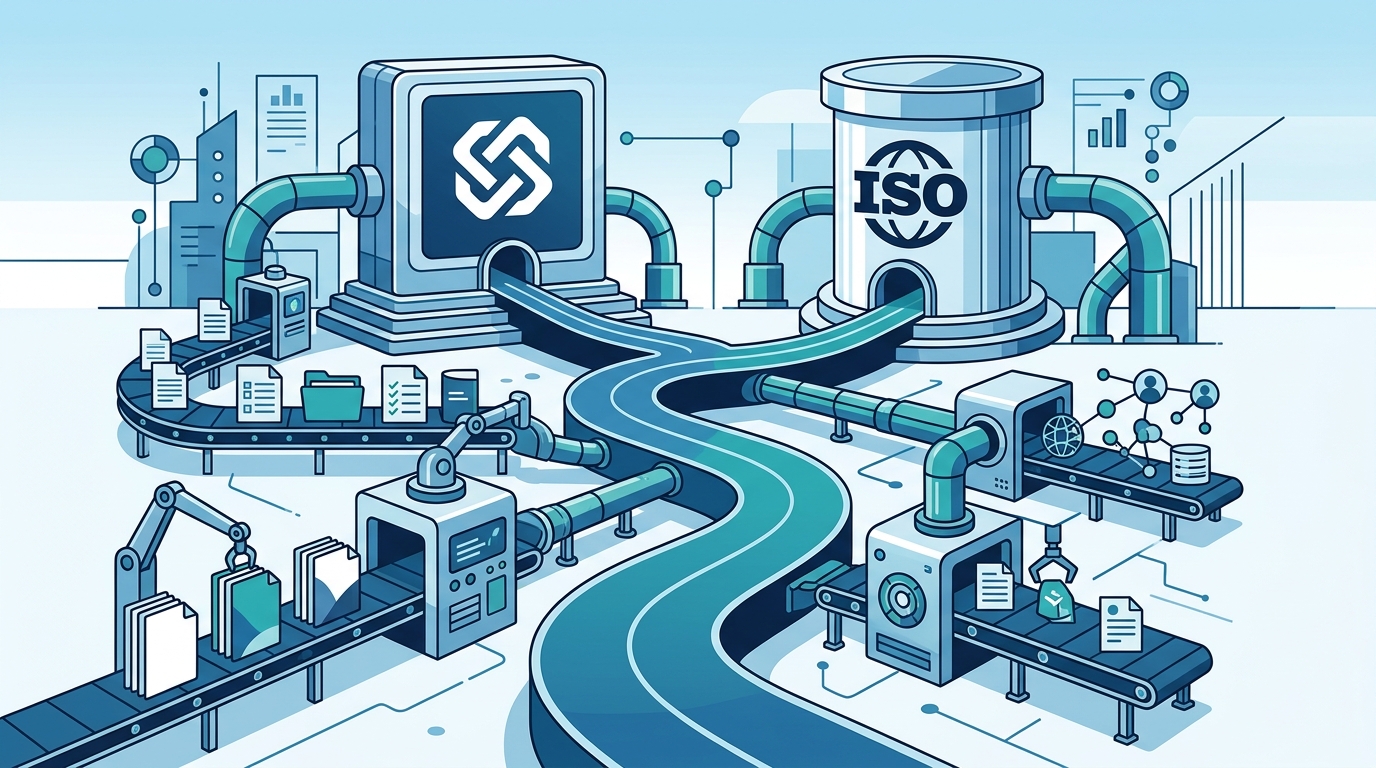
Keel is built on a single control and evidence graph. This architecture means you collect evidence once and satisfy multiple frameworks simultaneously. The platform is designed for founders, operators, and IT leaders who need to prove their security posture to customers and regulators. It removes duplicate work and ceremony, focusing only on what the standards actually require.
SOC 2 Preparation
SOC 2 is an independent audit report defined by the AICPA that shows how a service organization protects customer data. It evaluates controls against the Trust Services Criteria, including security, availability, processing integrity, confidentiality, and privacy. Preparing for SOC 2 involves scoping your system, implementing core controls, and gathering evidence.
Choosing Your Report Type
A SOC 2 Type I report evaluates whether your controls are suitably designed at a single point in time. A Type II report goes further, testing whether those controls operated effectively over a period of time. Most startups begin with a Type I to establish a baseline, then move to Type II as they scale. Choosing the right type depends on your customer requirements and business stage.
Scoping and Controls
Start by defining the system boundary for your audit. This includes the services, data, and people involved. Implement the core security controls required by the framework. Keel helps you track these controls and link them to the specific SOC 2 criteria they satisfy. This ensures you are not missing any requirements before the auditor arrives.
ISO 27001 Preparation
ISO/IEC 27001 is the international standard for an information security management system (ISMS). The current version, ISO/IEC 27001:2022, pairs management-system requirements with Annex A controls. Preparing for ISO 27001 requires establishing a formal ISMS, conducting a risk assessment, and implementing controls to mitigate identified risks.
Building Your ISMS
An ISMS is a set of interrelated components for planning, implementing, operating, monitoring, reviewing, maintaining, and improving information security. It is not just a checklist; it is a continuous cycle of improvement. You must define your scope, identify information assets, and assess risks associated with those assets. Keel provides a risk register where you can rate inherent and residual risk, connect risks to controls, and track treatment.
Statement of Applicability
The Statement of Applicability (SoA) is a document that lists all Annex A controls and explains how each is applied in your organization. It is a critical deliverable for ISO 27001 certification. Keel generates this document automatically based on your control selections and justifications. This saves significant time and ensures consistency across your documentation.
Evidence Collection
Evidence collection is the process of gathering artifacts that prove your controls are operating effectively. This includes screenshots, logs, policies, and configuration files. Manual evidence collection is time-consuming and error-prone. Automation ensures that evidence is current, complete, and easily accessible to auditors.
Automated vs. Manual Evidence
Automated checks can verify technical controls, such as HTTPS/TLS reachability, security response headers, and SPF/DMARC records. These checks run on a schedule and file dated evidence against the relevant controls. When a check fails, the evidence is withdrawn, alerting you to a gap. Manual evidence, such as policy documents or access review records, is uploaded and linked to controls. Keel flags uploaded evidence as expiring or expired based on the review date you set.
Keeping Evidence Fresh
Evidence must be current to be valid. Outdated screenshots or logs can lead to audit findings. Keel helps you keep evidence fresh by tracking expiration dates and prompting you to update artifacts. This ensures that when your auditor requests evidence, it is always up to date and reflects the current state of your systems.
Policy Templates
Policy templates are pre-written documents that outline your organization's approach to specific security and compliance topics. They provide a starting point for creating your own policies, saving time and ensuring consistency. A robust policy library is essential for both SOC 2 and ISO 27001.
The Keel Policy Library
Keel offers a library of 75+ framework-mapped policy templates. These templates cover a wide range of topics, from access control to incident response. You can fill in the templates with your specific details, approve them, and export them as branded PDFs. Alternatively, you can draft policies from scratch using AI assistance. This flexibility allows you to tailor your documentation to your organization's unique needs.
Policy Management
Managing policies involves tracking owners, review dates, and coverage gaps. Keel provides a policy register that helps you monitor the status of each document. It alerts you when a policy is due for review or when a gap in coverage is detected. This ensures that your policies remain relevant and aligned with your current operations and regulatory requirements.
Control Mapping
Control mapping is the process of linking your implemented controls to the specific requirements of a compliance framework. It shows how each control satisfies one or more framework clauses. Effective control mapping reduces duplication of effort and ensures comprehensive coverage.
Crosswalk-Native Architecture
In most GRC tools, each framework is a separate checklist, requiring you to redo the same work for every audit. Keel inverts this model. A control is the unit of work, and each framework is a view over your controls. This means a single control can satisfy clauses across multiple frameworks simultaneously. For example, a control for access management might satisfy requirements in both SOC 2 and ISO 27001.
Benefits of Crosswalking
Crosswalking allows you to collect evidence once and comply everywhere. This is particularly valuable for organizations pursuing multiple certifications. It reduces the total effort required to achieve compliance and ensures that your controls are aligned across all frameworks. Keel's crosswalk explorer shows you the overlap between frameworks, helping you understand the shared work and focus on the unique requirements.
Key Takeaways
- Keel is a self-serve GRC platform that eliminates the need for consultants by automating compliance workflows.
- SOC 2 preparation involves scoping your system, implementing core controls, and choosing the right report type (Type I or II).
- ISO 27001 requires building a formal ISMS, conducting risk assessments, and generating a Statement of Applicability.
- Automated evidence collection ensures that technical controls are verified continuously and evidence remains current.
- Keel's library of 75+ policy templates provides a fast starting point for creating compliant documentation.
- Crosswalk-native architecture allows a single control to satisfy multiple frameworks, reducing duplicate work.
- Keel's risk register helps you rate inherent and residual risk and track treatment, linking risks to controls.
- The platform is designed for growing teams, offering transparent pricing and a free tier to get started.
Frequently Asked Questions
What is Keel?
Keel is a self-serve GRC and vendor-risk platform for small and mid-sized companies. It helps you set up controls, collect evidence, manage policies and vendors, and publish a trust center without a consultant.
Does Keel get me certified?
Keel gets you audit-ready by organizing your controls, evidence, and policies. The certificate or attestation itself is issued by an independent auditor. Keel is not a certification body and does not perform the audit.
Which frameworks does Keel support?
Keel supports 25+ frameworks, including SOC 2, ISO 27001, HIPAA, PCI DSS, NIST CSF, and ISO 9001. One control library is crosswalked across every framework you apply.
Do I need a consultant to use Keel?
No. Keel is self-serve. A guided setup walks you from zero to a working program in an afternoon, and one-click starter templates help you get started quickly.
How does evidence collection work in Keel?
Keel automates evidence collection for technical controls using scheduled checks. For manual evidence, you upload artifacts and link them to controls. The platform tracks expiration dates to keep evidence fresh.
What is a crosswalk in GRC?
A crosswalk is a mapping that shows how controls in one framework correspond to requirements in another. Keel uses a crosswalk-native architecture so that one control can satisfy multiple frameworks.
Can I export my data from Keel?
Yes. Keel provides an open-source tool called keel-migrate that allows you to export your compliance data to an open format. This ensures your data is portable and not locked in.